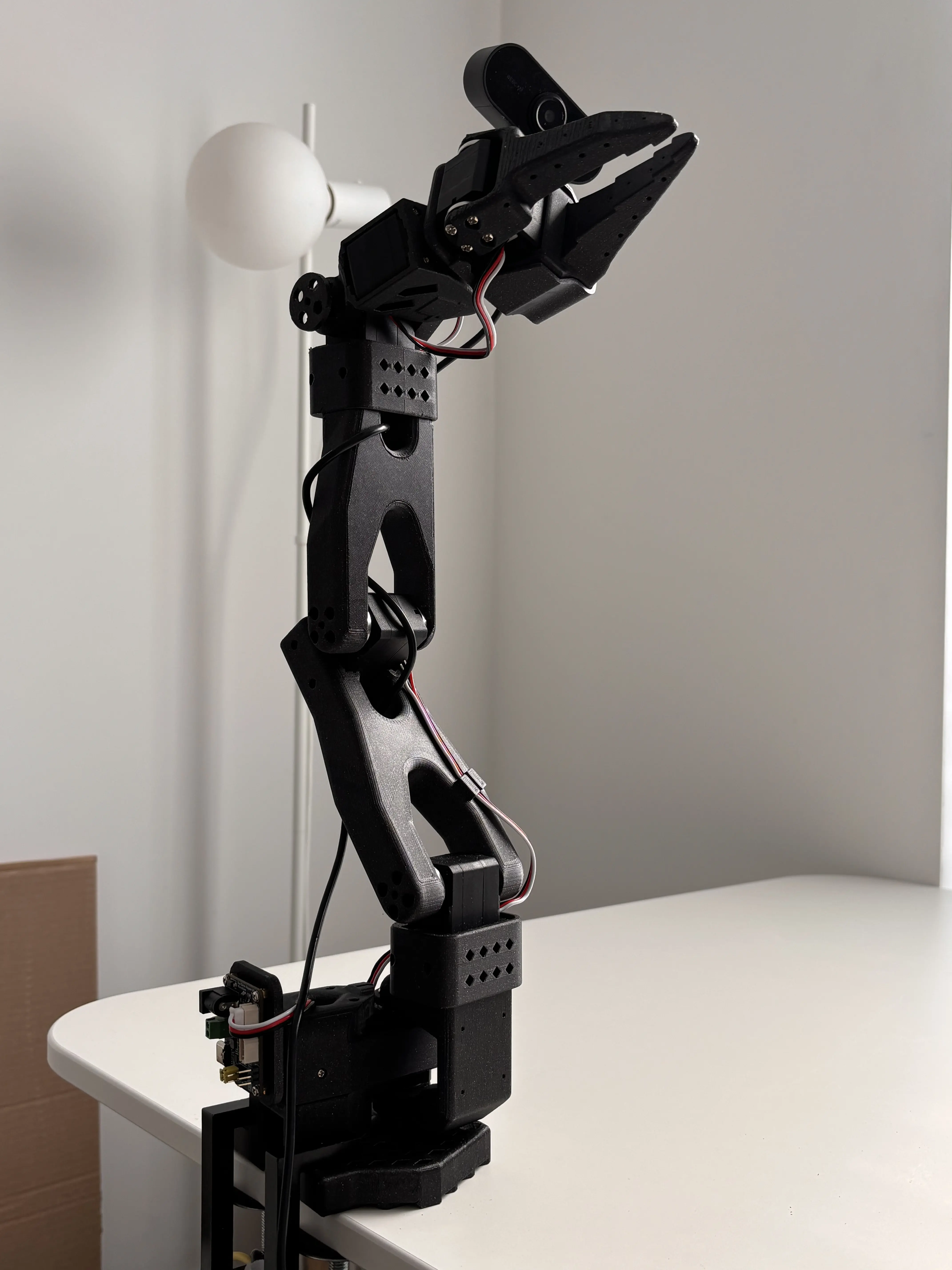
Le Robot
Assembling Hugging Face's LeRobot and trying out different methods of manipulating it
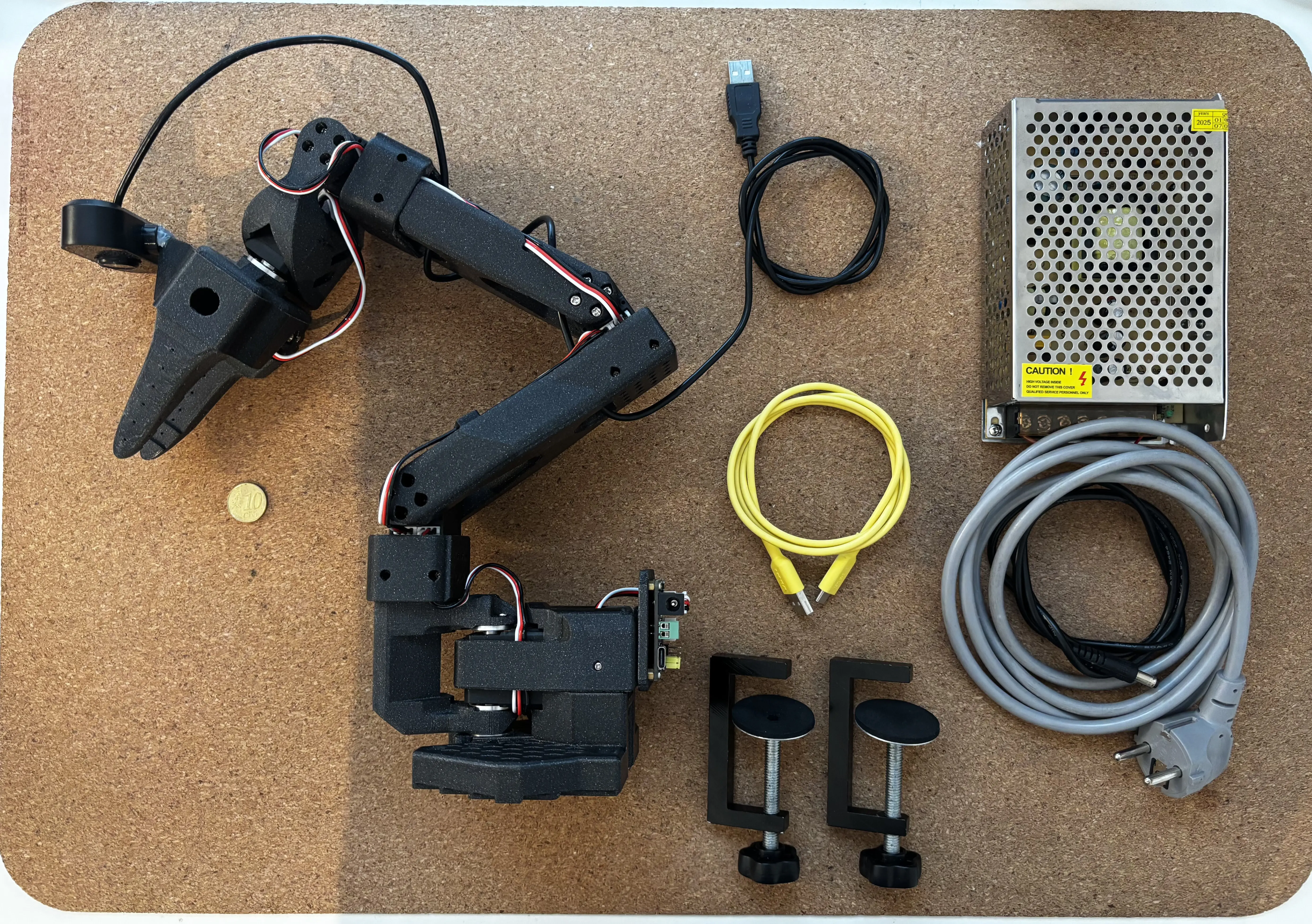
What’s LeRobot, SO100?
LeRobot
LeRobot is an open-source Python library designed by Hugging Face’s community. Its main goal is to provide easier access to training real-world and simulated robots, enabling people to share models and datasets more easily.
SO-100
SO-100 is another open-source project developed specifically to work with the LeRobot library. It is well documented and easy to set up, allowing you to start recording datasets quickly.
The next generation of the SO arm series is now available; you can find it in the same repository as SO-100.
Assembling
Docs
The assembly process is already well documented in the official repository, along with a couple of videos available on YouTube.
Personal tweaks
Before 3D printing all the parts, I also searched for a camera mount. There were none available in the SO-100 repository, so I designed my own. You can find it here.
Control
ROS2
After assembling the robot, I started thinking about how to actually control it. While searching for a solution, I found RoboDK. After spending some time learning how to use it, I discovered that there is no direct way to import the SO-100 into RoboDK, since it is designed for industrial robots with 6 DOF, while the SO-100 only has 5. The next thing I found was ROS 2 (ROS 2 Humble) — the Robotics Operating System. In short, it is a set of software libraries and tools to help build robotic applications. It sounded exactly like what I needed. In reality, however, I overcomplicated the process of making the robot move. All I really needed was to perform some basic IK (inverse kinematics) calculations for target following, and maybe collision checking to keep things safe. Anyway, after a week of trying to create a ROS package and writing a driver to import my robot into ROS, I succeeded. Shortly after, I installed RViz and MoveIt to visualize and move the SO-100. Unfortunately, I didn’t record how the interface looked in the end, but I do have this timelapse video of robot moving in random valid poses while avoiding collision:
In the end, I wasn’t really happy with the result and knew I had to change my approach, since ROS 2 was overkill for the task I needed.
Klampt (with Unity)
2026 January. Half a year later, I returned to searching for a better way to control the robot and discovered Klampt. Klampt is a package (including a Python library) specifically made for locomotion and manipulation planning. It includes features such as robot modeling, simulation, planning, optimization, and visualization. Using Klampt was much easier, since I could reuse my existing ROS 2 package instead of rebuilding everything from scratch. Since my main goal was to control the robot using a VR controller, I created a simple Unity project using OpenXR to capture the Meta Quest left controller’s position and rotation. This data was then streamed to Klampt for IK, collision checking, and self-collision handling. Here is a video showing the result:
There are multiple cameras because, in the future, they will be useful for training datasets. The Unity visualization itself is optional.
Final thoughts
I will continue this project later. The next step will be streaming joint angles from Klampt to LeRobot in order to record datasets and then train a model.