How Smart Is My Mac mini M4?
Running AI Locally on a 16 GB Mac mini M4
What Is the Best Local AI Model to Run on a Mac mini M4?
It’s been almost six months since I got my Mac mini M4. Since then, I’ve spent a lot of time trying to push its limits with local LLMs such as Qwen, Llama, Gemma, and others.
I quickly found the main limitation of running AI locally on a 16 GB machine. Smaller models can be surprisingly capable, but they still tend to fall behind the best cloud models when it comes to difficult reasoning, coding, and agent tasks.
That made me wonder: how capable of a model can I actually run on a base Mac mini M4 with only 16 GB of unified memory?
The Release of Qwen3.8
After a long summer break, I decided to check what had changed in the local AI world. I was surprised by how quickly things had moved forward, and Qwen3.8-27B immediately caught my attention.
The problem was memory.
The full model is far too large for a 16 GB Mac, so I had to look at heavily quantized versions. In practice, an aggressive 2-bit quantization was the only realistic option if I wanted enough memory left for the context window and the rest of the system.
My first attempt did not go very well. After finally getting the model to load, its output was mostly gibberish. I eventually fixed the setup and got it generating properly, but I was still skeptical about how much intelligence might be lost through such aggressive quantization.
That led me to look for another solution.
Ternary Bonsai 27B
After another hour of researching models that could realistically fit into my Mac’s unified memory, I found Ternary Bonsai 27B from PrismML.
It is derived from Qwen3.6-27B and uses ternary weights instead of a conventional 4-bit or 2-bit quantization scheme. PrismML advertised a roughly 5.9 GB low-bit representation while retaining about 95% of the FP16 model’s performance in its benchmark suite.
That sounded almost too good to be true.
On my first proper run, I asked it to create an HTML game about a spacecraft. The result genuinely surprised me. It produced a working game with enemies, levels, gameplay logic, and a coherent structure.
More importantly, the model stayed coherent throughout the task. It did not fall into the endless reasoning loops I had seen with some other heavily compressed local models.
For the first time, running a reasonably capable 27B-class model on a 16 GB Mac felt practical.
Ternary Bonsai 2
Until this point, I had mainly been using MLX models because they generally provide excellent performance on Apple Silicon.
I experimented with several applications and runtimes, including LM Studio, its separate agent-focused Bionic app, oMLX, and eventually PrismML’s custom llama.cpp fork.
That is where I started using Ternary Bonsai 2 27B.
Bonsai 2 is based on Qwen3.8-27B and uses an updated ternary representation. According to PrismML’s own benchmark suite, it retains about 98.2% of the FP16 model’s overall performance while using much less memory.
For my 16 GB Mac mini, I chose the GGUF version rather than MLX.
The reason is memory efficiency. The dense PTQ1_0 GGUF version of Bonsai 2 is around 5.95 GB for the language model, while the MLX package is considerably larger. On a machine with only 16 GB of unified memory, every gigabyte matters.
Using the smaller GGUF representation leaves more memory available for the KV cache, context window, the operating system, and the agent harness itself.
A large context window becomes especially important once the model starts working as an agent. Tool outputs, source files, system instructions, conversation history, and intermediate reasoning can consume context very quickly.
Choosing an Agent Harness
Running the model was only half of the experiment. I also wanted to see whether it could function as a proper local coding agent.
The first environment I tried was Visual Studio Code. It worked, but for my use case it consumed more context and exposed more tools than I really needed.
I then tried OpenCode Desktop, which ended up being a much better fit for my setup.
For me, it provides a good balance between useful agent tools and relatively low context overhead. It also works well with local model endpoints, which makes it a good environment for experimenting with a model like Bonsai 2.
Another option worth looking at is Pi, which is designed as a much more minimal agent harness. If minimizing context usage is the highest priority, Pi is particularly interesting.
With Bonsai 2 running through the PrismML llama.cpp backend and connected to an agent harness, my Mac mini could finally do more than simply answer prompts. The model could actively work on projects using tools.
Demos
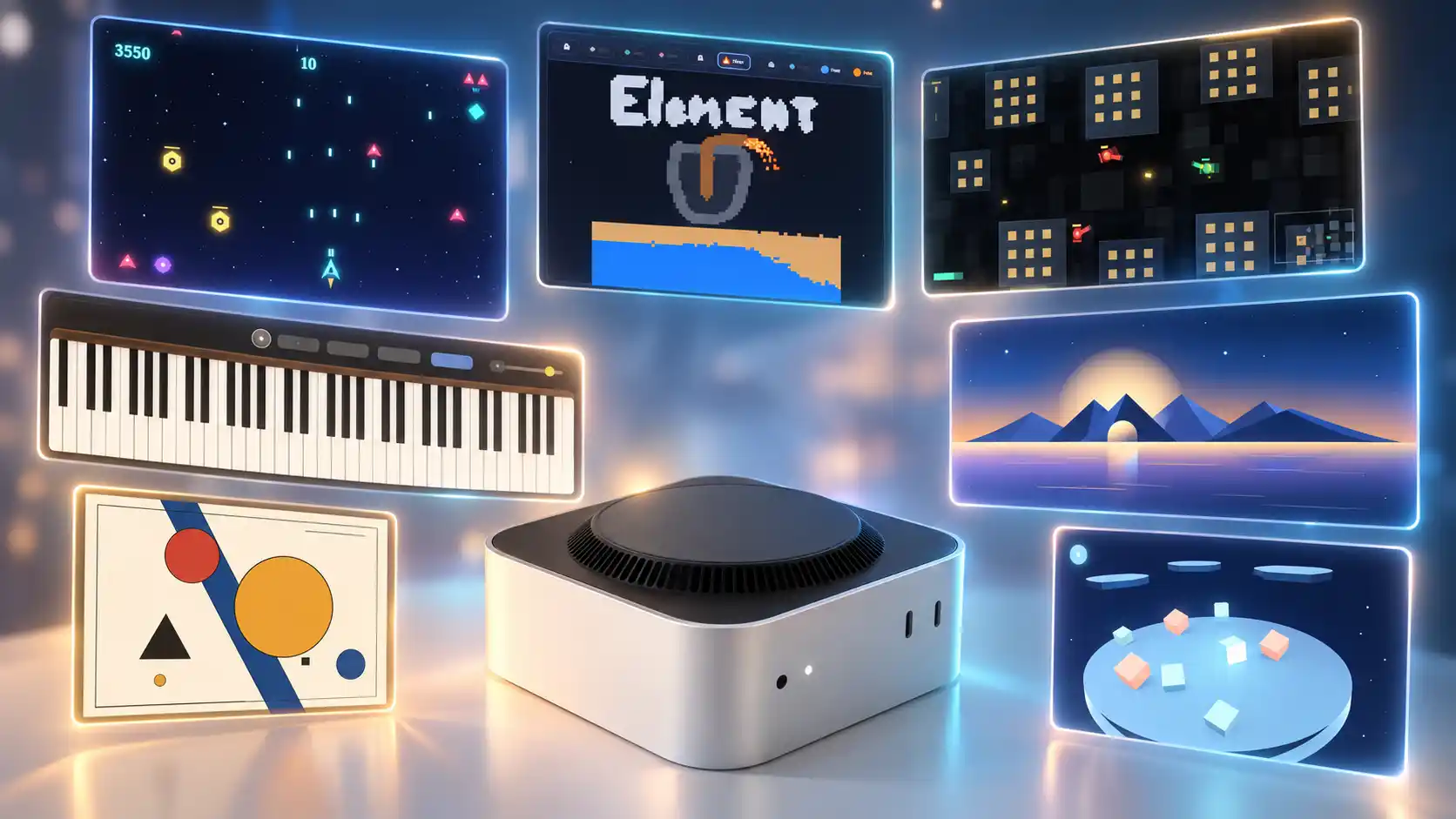
I eventually started asking the model to create games, interactive experiments, and digital art projects.
While working on these projects, the agent was able to use tools for shell commands, browser interaction, subagents, writing files, searching with grep, reading files, and inspecting other project data.
The projects below were created during those experiments.
Arcade
Digital Museum
Piano With Agent-Generated Compositions
Tank Game
3D Game Made With Three.js
Elements Simulator
So, How Smart Is My Mac mini?
A 16 GB Mac mini M4 obviously cannot compete with the hardware used to run the best cloud models. But the gap between cloud AI and local AI is getting smaller than I expected.
Ternary models are especially interesting because they make it possible to run models that would normally be impractical on this amount of memory.
A 27B-class model working as a coding agent, with reasoning, tool use, file access, and enough context to work on real projects, is something I would not have expected from a base Mac mini when I bought it.
It is still not a replacement for the best cloud models. But for completely local inference on a small desktop with 16 GB of unified memory, it is much more capable than I expected.